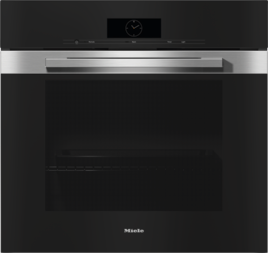
You can connect multiple kitchen appliances, including conventional ovens and combi steam ovens, to your Wi-Fi network. You can use the network to synchronize the finish time for the cooking processes. This time can be synchronized via the display or via the Miele app.
Set a cooking duration on the display of the conventional oven.
Select Synchronize end of cooking duration.
A list of the available kitchen appliances is displayed.
If there are multiple kitchen appliances with a set cooking duration in your network, the display will show the appliances with the latest finish time or the longest cooking duration.
Select the required kitchen appliance.
Synchronize end of cooking duration is highlighted.
Confirm with OK.
End of cooking duration successfully synchronized appears on the display. The start time of the kitchen appliances will be adjusted to ensure that the cooking processes end at the same time.


