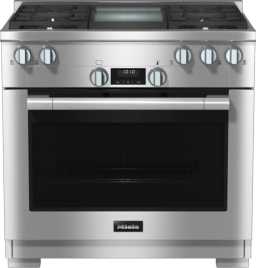
Support for your

Range

Range

Display: System lock when the oven is turned on

The system lock is on.

You can unlock the oven to start a cooking program by pressing the lock icon for at least 6 seconds.

To permanently deactivate the lock feature, proceed as follows:

  1. Select the “Settings” menu.

  2. Swipe across the screen until the Safety option appears.

  3. Select the System Lock option.
    The settings which are currently selected will have a colored frame around them.

  4. Select the On option.

The system lock is deactivated now. The oven can be used as normal.

There is no power to the appliance.

Ensure the appliance is plugged in and that the circuit breaker has not tripped.

Operating Instructions finder

Operating Instructions finder

Here you will find the operating instructions for your Miele appliances
Find your manual
Book a technician

Book a technician

We are happy to take your repair booking online or by telephone
Plan a visit
Contact us

Contact us

Visit our Contact us page to see the different ways you can speak to us.
Contact us