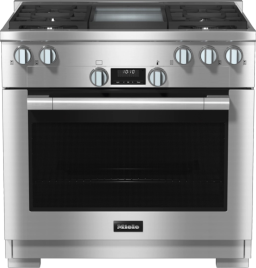
Support for

Range

Range

Oven lighting turns off after a short time

The oven is factory-set to turn off automatically after 15 seconds.

Touch Light to turn the light on for another 15 seconds.

To change the lighting settings:

  1. Select the “Settings” menu.

  2. Swipe across the screen until the Lighting option appears, then touch it to select.
    The settings which are currently selected will have a colored frame around them.

  3. Select the On option to turn the light on during the entire cooking period.

Operating Instructions finder

Operating Instructions finder

Here you will find the operating instructions for your Miele appliances
Find your manual
Book a technician

Book a technician

We are happy to take your repair booking online or by telephone
Plan a visit
Contact us

Contact us

Visit our Contact us page to see the different ways you can speak to us.
Contact us