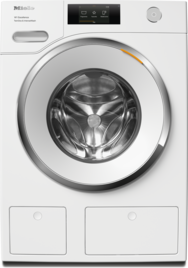
Check the control panel of your washing machine to find out which method to use to cancel the program.
Support for
Washer
Canceling a program
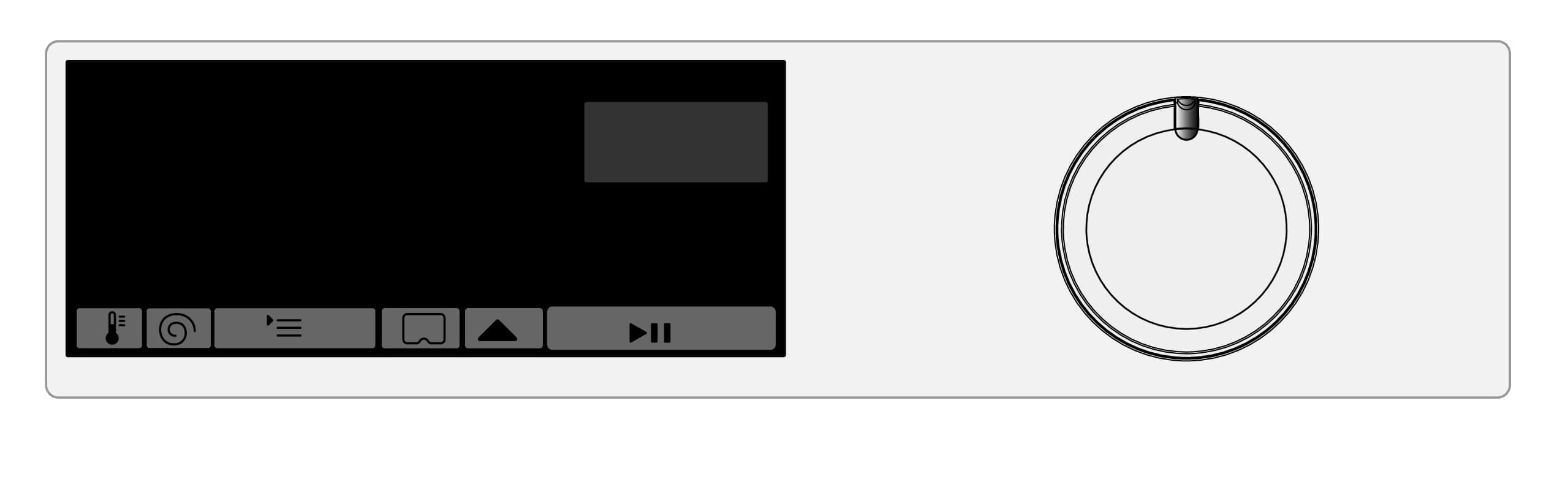
Washing machines with time display
Canceling a program
You can cancel a wash program at any time after it has started.
Turn the program selector to the position.
Turn the program selector to any position.
Rotating bars ... ... are shown on the time display.
The water is pumped away and the door lock is then released.
Selecting a new program
Turn the program selector to the required wash program.
Check that there is still sufficient detergent in the detergent drawer. Add more detergent if necessary.
Touch the sensor control or Start/Add laundry (depending on the model).
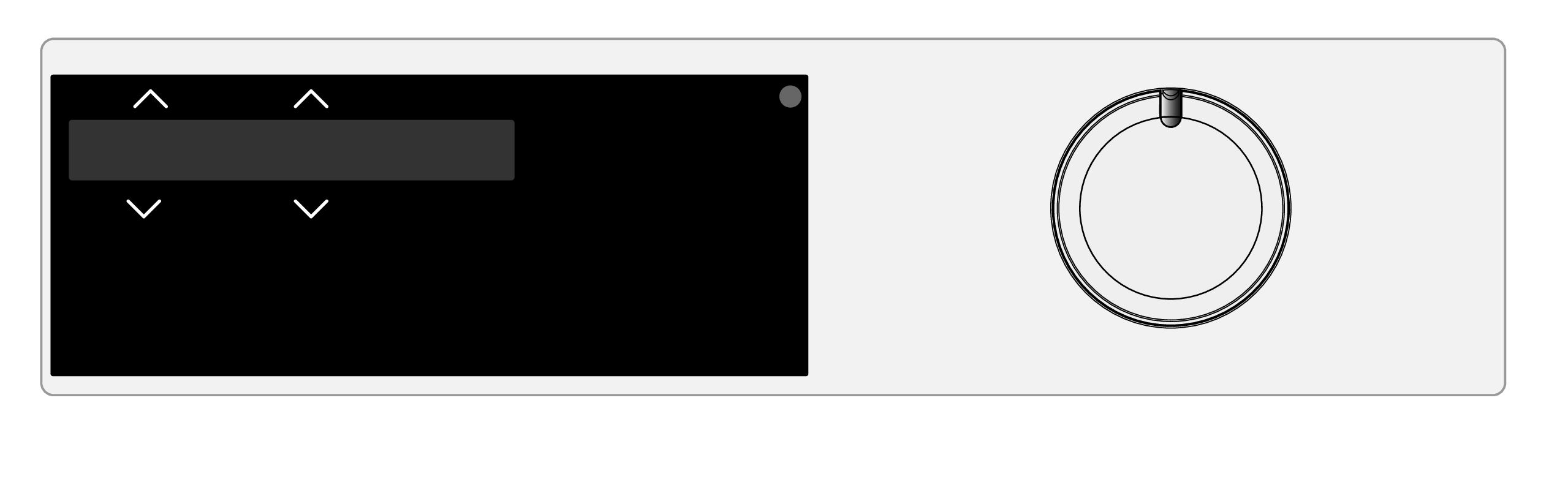
Washing machines with More programs/ program selector setting:
Canceling a program
You can cancel a wash program at any time after it has started.
Turn the program selector to the position.
Turn the program selector to the Cottons program.
The display shows: Cancel? Yes
Touch the OK sensor control.
The suds are pumped away. Program canceled will appear on the display.
Wait until the symbol in the display goes out and the door unlocks.
Pull open the door.
Remove the laundry.
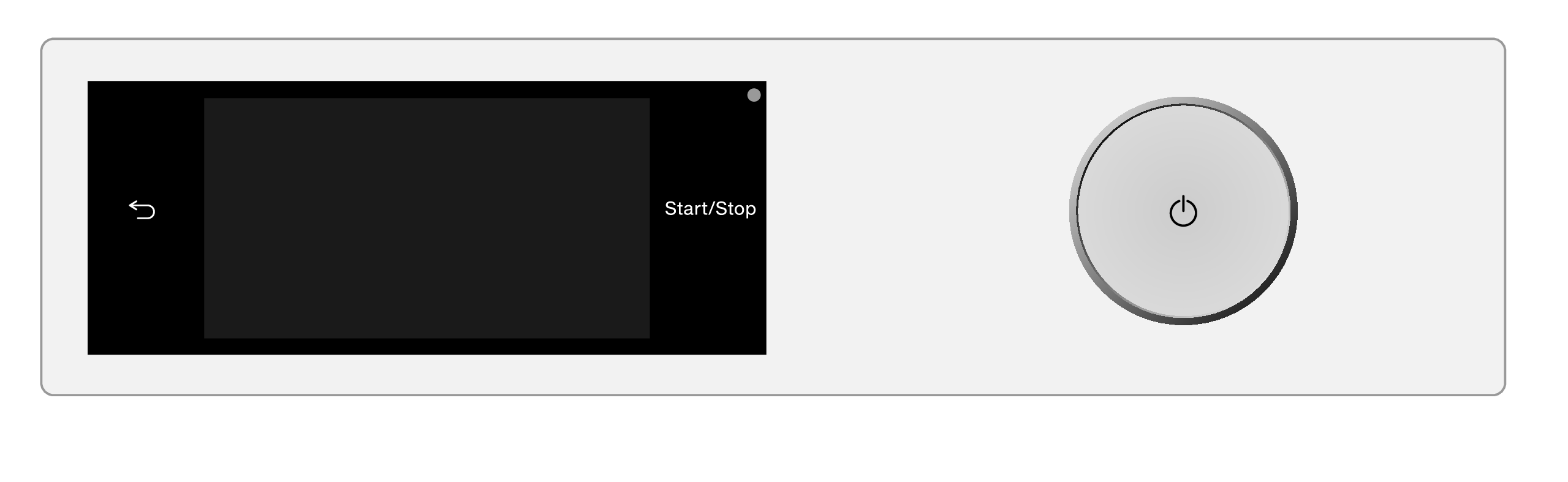
Washing machines with touch display
Canceling a program
You can cancel a wash program at any time after it has started.
Touch the Start/Stop sensor control.
The following will appear on the display: Cancel the program?
Select Yes.
Program canceled will appear on the display.
The suds are pumped away.
Wait until the door unlocks.
Pull open the door.
Remove the laundry.

Operating Instructions finder
Here you will find the operating instructions for your Miele appliances
Find your manual
